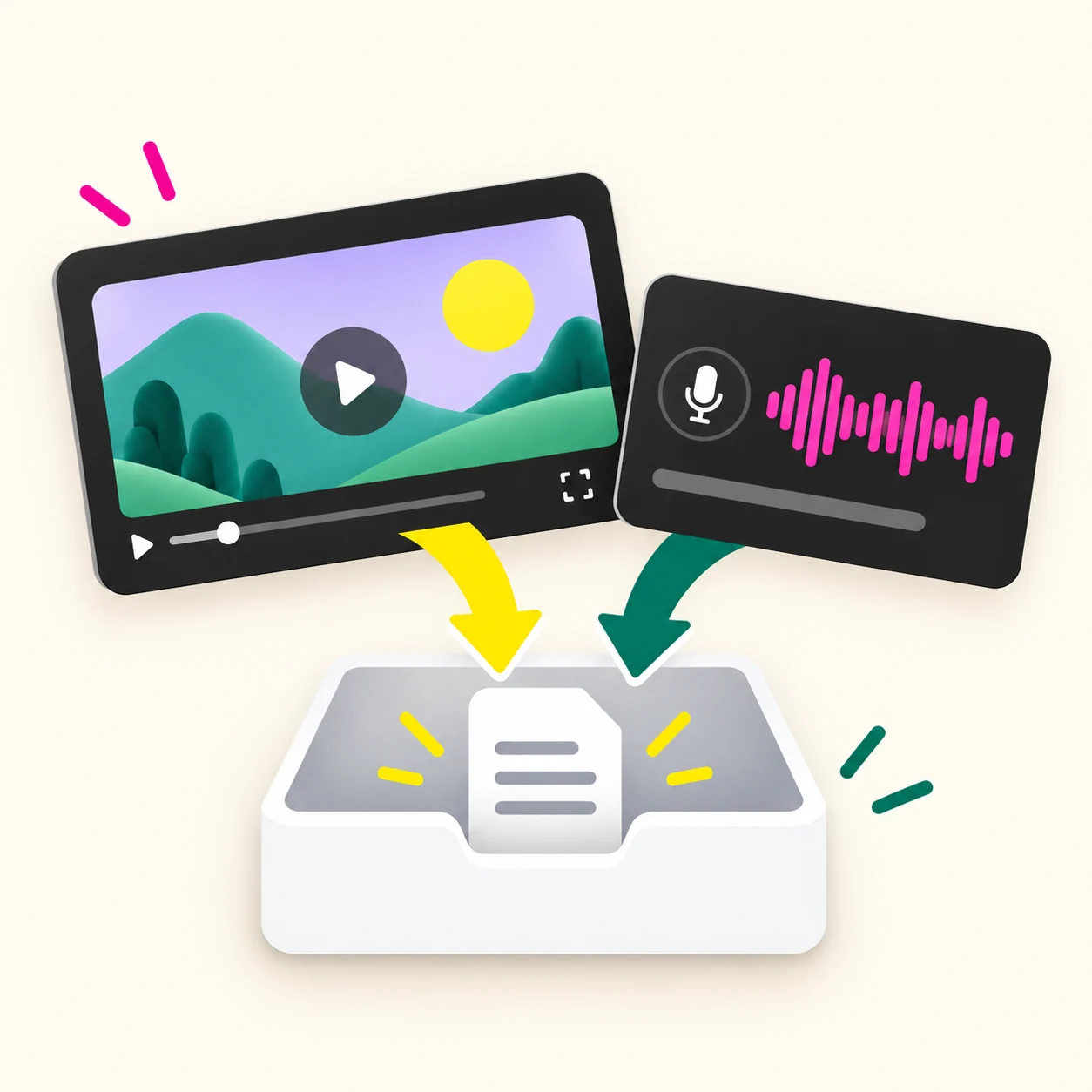
Upload a file you control
Choose a video or audio file from your device. Supported extensions include MP4, MOV, WebM, MKV, AVI, MP3, WAV, M4A, OGG, FLAC, and AAC. If you have an approved export of a video, uploading it is the clearest path.
 TikTok Transcript
Turn an accessible video or audio source into text. Review the transcript, then copy it or download TXT and VTT.
New accounts get 5 free credits after sign-up. Usage is based on video length: 1 credit per 100 seconds.
Use a file you are allowed to process or a direct HTTPS media URL. A YouTube watch page may not work.
A transcript puts spoken words into a form you can scan, search, and review. A YouTube video transcript is the speech from a video written as text. It helps when you need a passage, a quotation, or a record of what someone said.
A YouTube Transcript Generator turns accessible audio or video into readable words. A transcript follows the speech; a summary selects only some ideas. A transcript is also a working record, rather than a finished article. Spoken repetition and unfinished sentences may need editing before publication.
A YouTube to transcript workflow begins with a source you can process. If you need a transcript of a YouTube video you own, an authorized media file gives you a clear starting point.
The source must be something you are allowed to process. A YouTube watch page is not always a direct media source, even when you can play the video in a browser. If a page link fails, use an authorized video or audio file. Keep the original nearby to check names, figures, quotations, and points where a visual example changes the meaning.
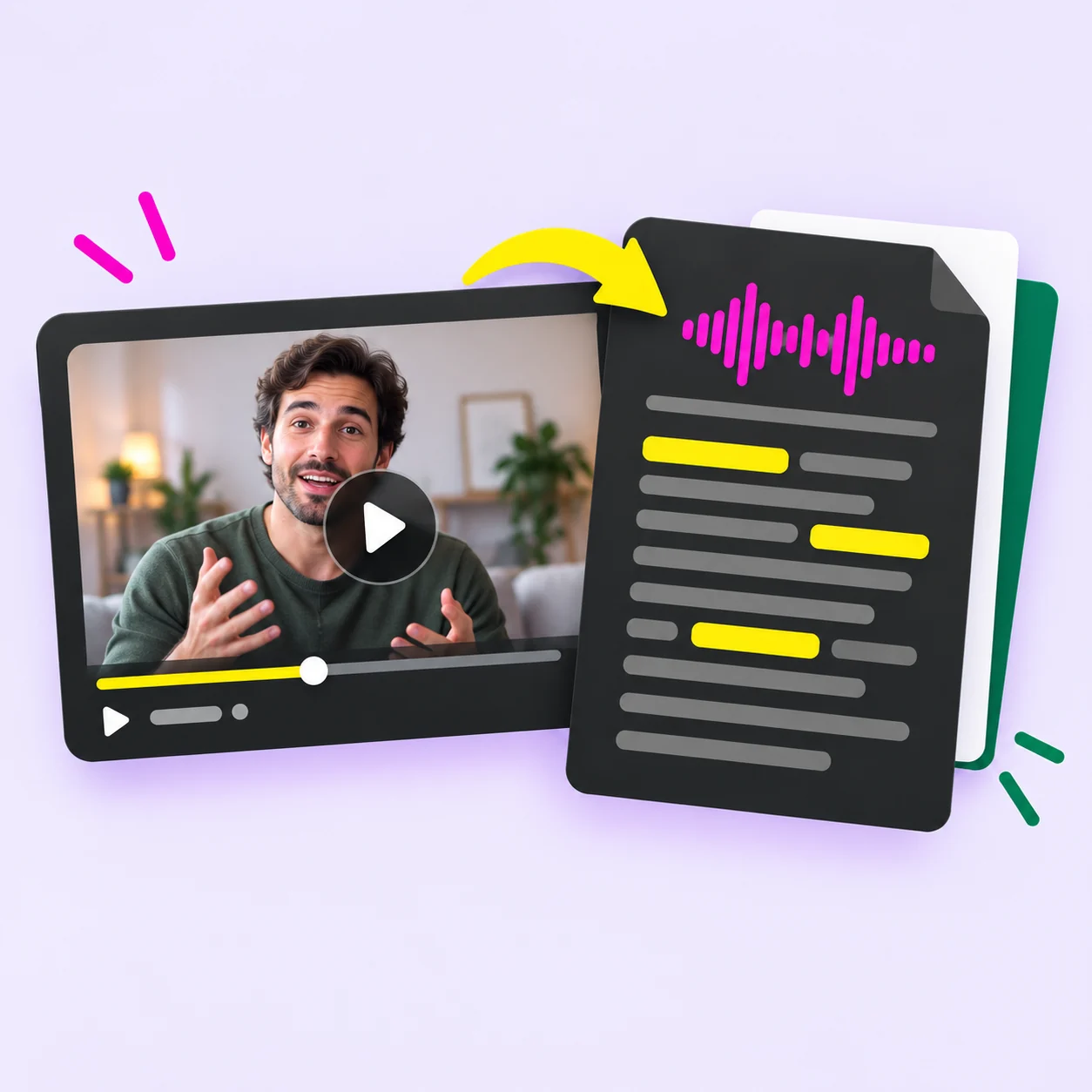
Start with a supported source, then save the result in a useful format. The useful part of a YouTube Transcript Generator is what happens after speech becomes text. You need a way to check it, save it, and use it without retyping everything.
Choose a video or audio file from your device. Supported extensions include MP4, MOV, WebM, MKV, AVI, MP3, WAV, M4A, OGG, FLAC, and AAC. If you have an approved export of a video, uploading it is the clearest path.
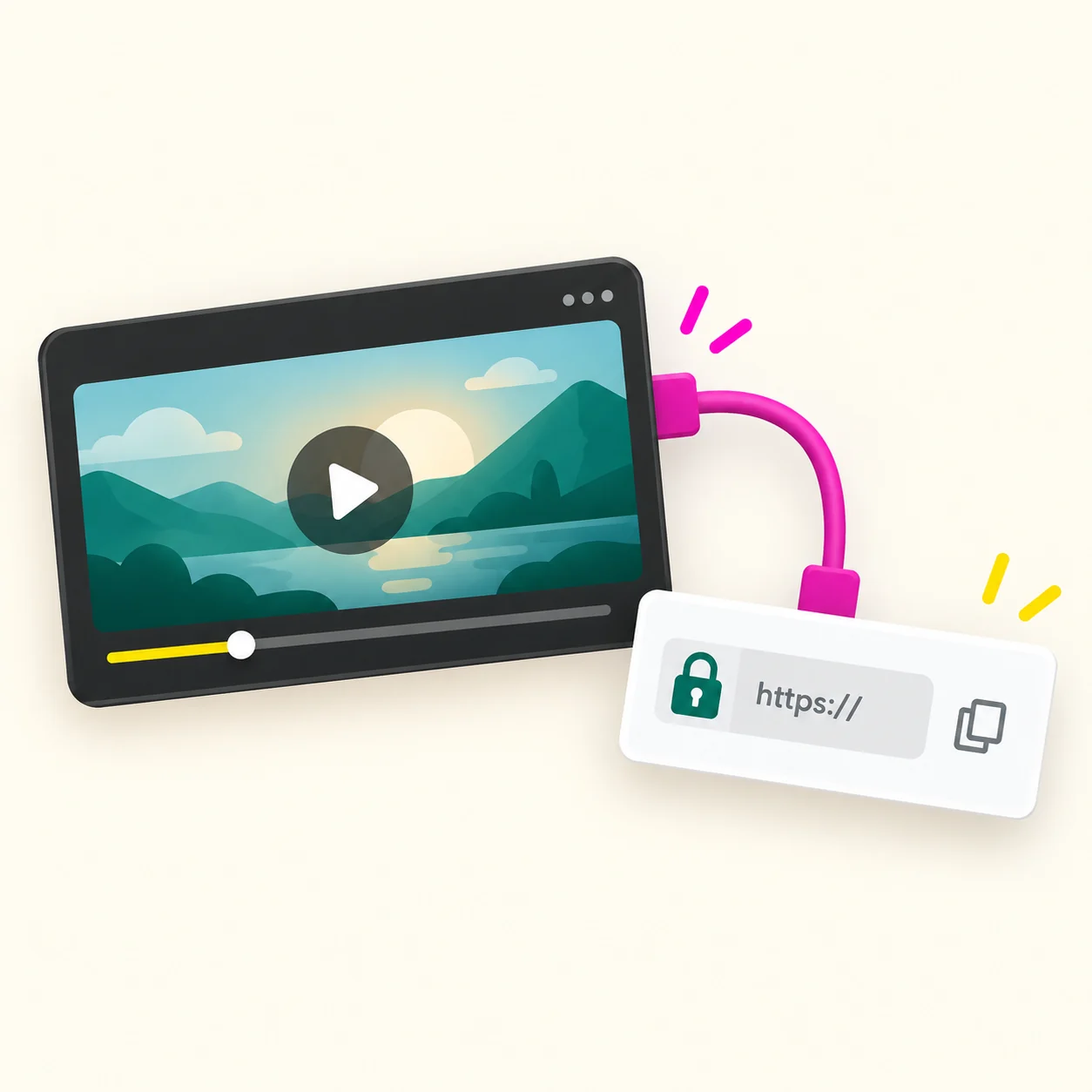
Paste an HTTPS audio or video URL when the media itself can be reached. The link field does not guarantee that every public YouTube page, private video, or restricted stream is usable. A valid webpage address may still hide the media from this service.
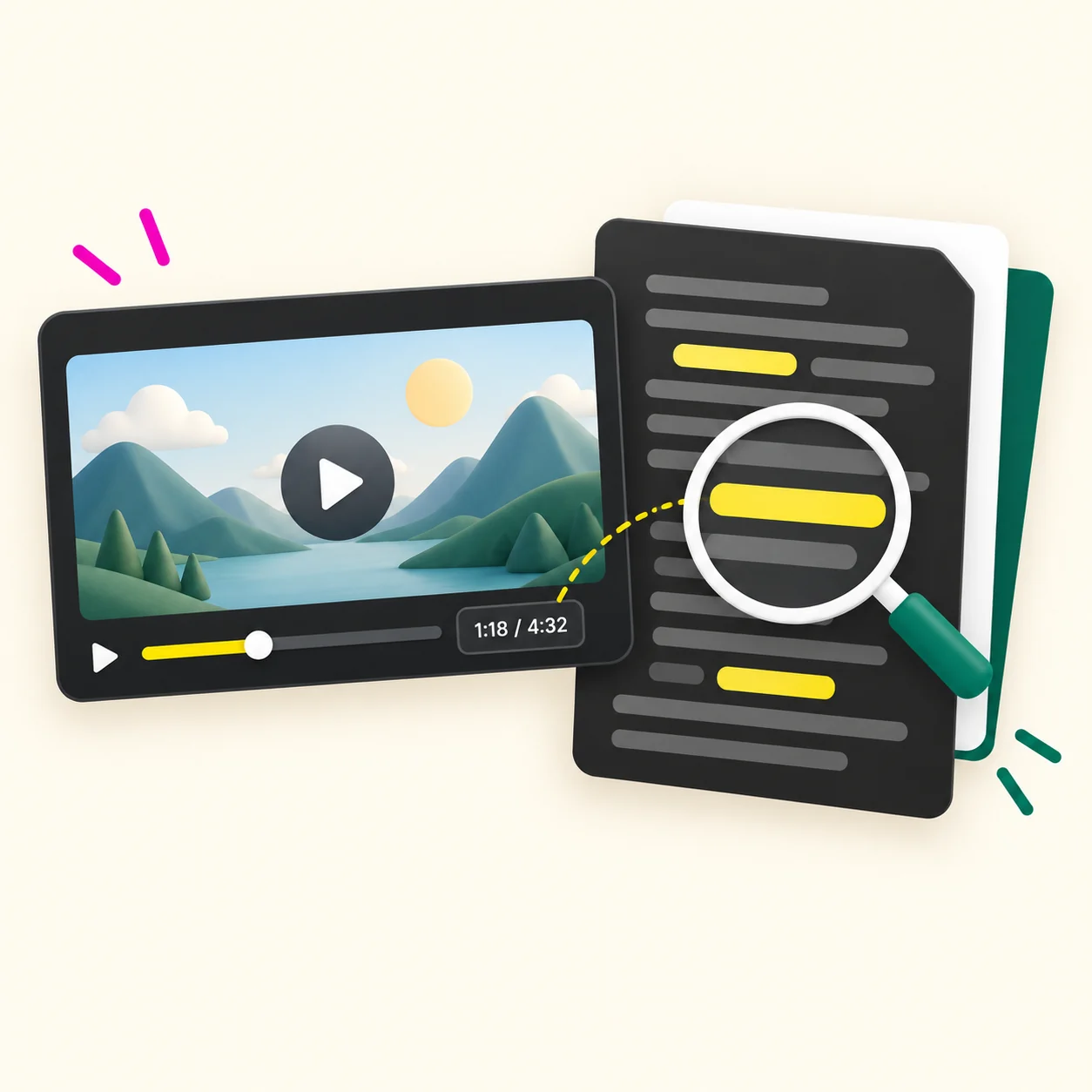
The transcript appears in the workspace after processing. Read it while the source is available, particularly when names, numbers, or exact quotes matter. A speech transcript cannot describe every action shown on screen.
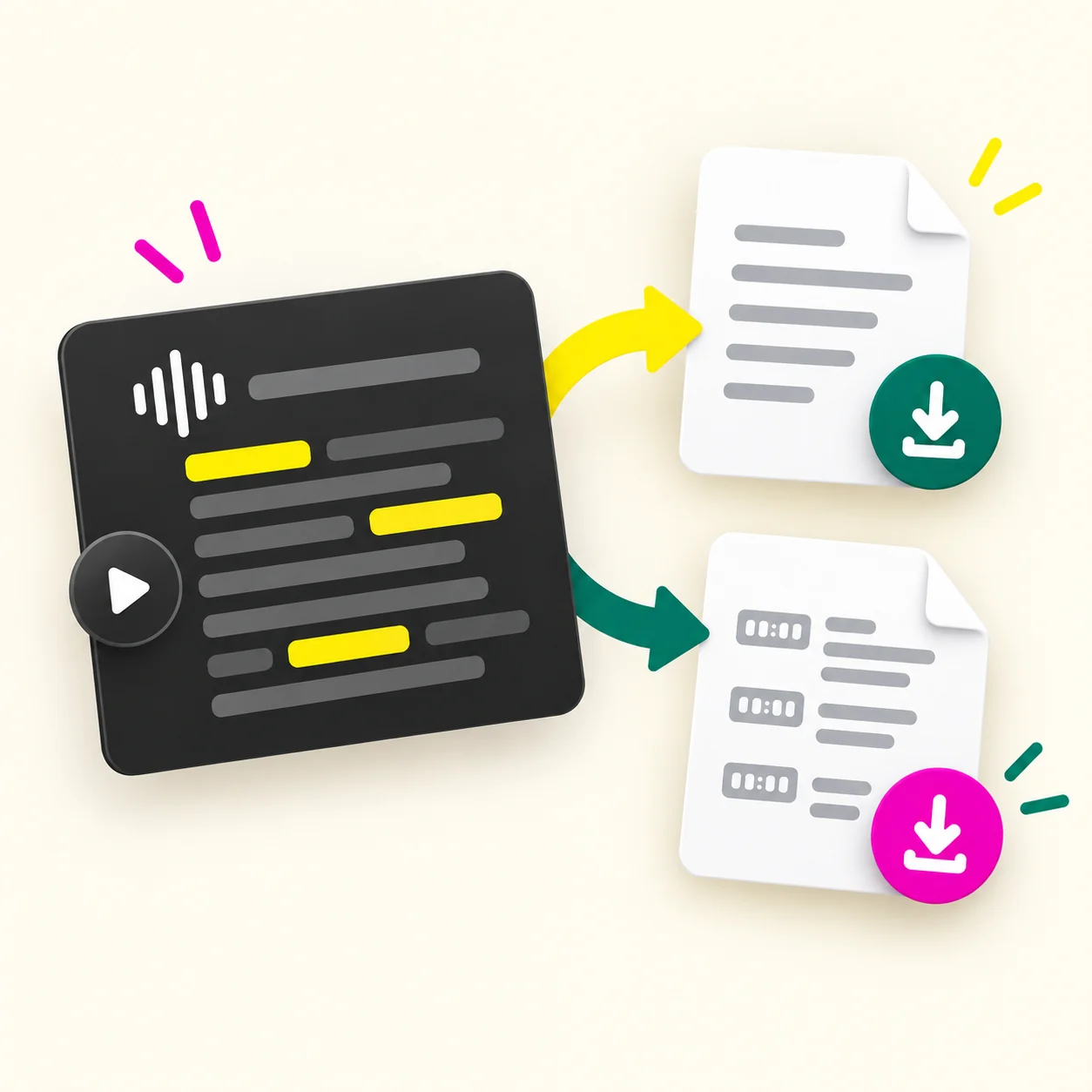
Copy text, download TXT, or download VTT. For a YouTube transcript download, TXT is a portable reading and editing file. VTT is a timed caption format; check its wording and timing before you publish captions.
Use a checked transcript as a note, draft source, or caption file. Your YouTube Transcript Generator result is a starting point. Choose an output based on whether you need to read, quote, edit, or time the spoken words.
Copy the transcript into a document and mark passages worth revisiting. Keep the original video link or file name with the note, so you can return to the source later.
Turn a video you made into the raw material for a lesson outline, article, or editing brief. Cut repeated speech and add the context that images supplied in the original.
If you need a YouTube transcript generator with timestamp support, download VTT when your editor or player accepts it. Compare the timing and text against the video before you use it as final captions.
Download TXT when you want a simple file for your archive or an authorized collaborator. The file can move into normal writing tools without keeping the transcription workspace open.
It helps when you have an approved media source and need to work from its spoken words. The same YouTube video transcript can serve different tasks. Decide what you need to do with the text, then select the output that fits.
can turn their own recordings into text before writing show notes, a new post, or a revised script. Seeing the words can reveal repeated phrases that are easy to miss while listening.
can review approved lesson recordings as text. A transcript helps locate a definition or instruction, while the video remains the source for demonstrations and diagrams.
can mark passages from material they have permission to process. Keep a reference to the original and verify exact wording before quoting it.
can use TXT in a writing workflow or inspect VTT for caption work. The YouTube Transcript Generator provides a working record; the team still checks and edits the final piece.
The media you can provide matters more than the page where you watched it. Some tools retrieve existing captions from a YouTube watch URL. This YouTube Transcript Generator works from media that can actually be submitted for transcription.
A watch page is not always a direct media source.
Upload the video or audio file you are allowed to process. This is the recommended path when you exported your own recording or received an approved copy.
Paste an HTTPS URL only when it points to audio or video the service can reach. A page that plays for you may still block direct access to its underlying media.
Do not assume the page link will work here. Check your rights and obtain an authorized media file before you use the tool. If you only need to read existing captions, YouTube's own transcript view may answer that need without an upload.
Sign in, provide supported media, check the text, and save the format you need. You can use this YouTube Transcript Generator when you have an authorized file or reachable media link. Confirm the source before submitting it.
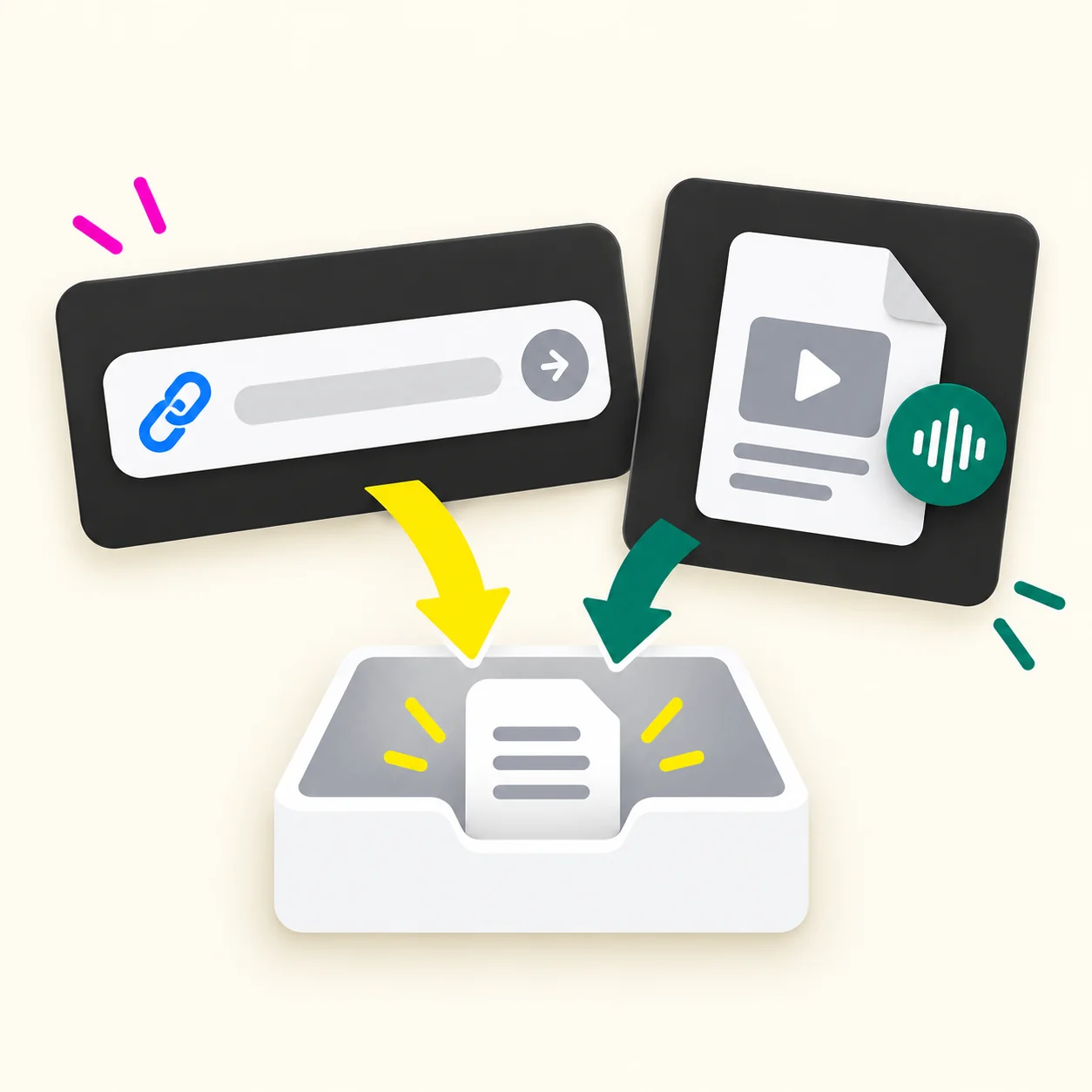
Sign in, then choose **File Upload** for a video or audio file you are allowed to process, or **Paste Link** for a reachable HTTPS media URL. A normal YouTube watch page is not guaranteed to work.
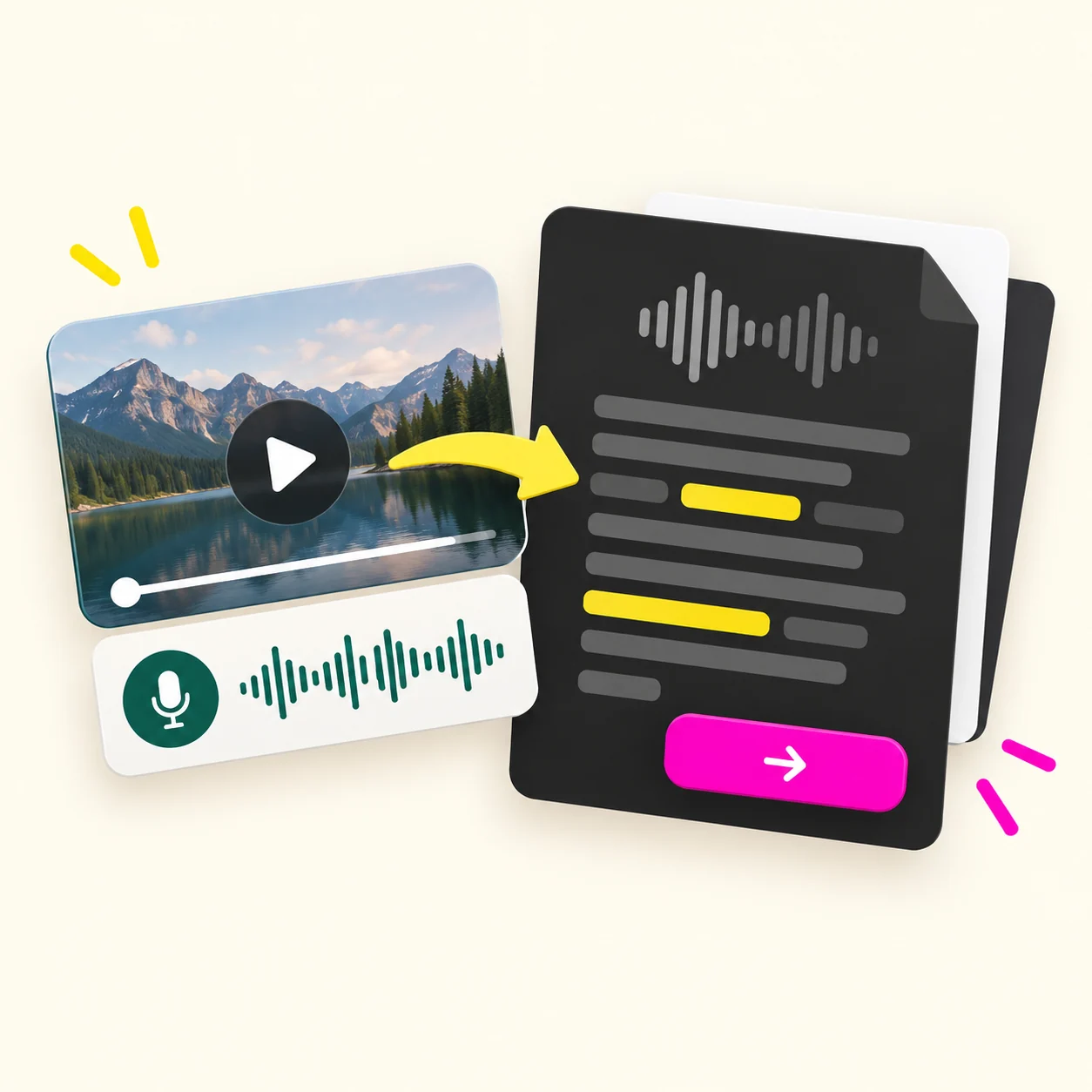
Check the displayed charge for the media duration, then start the task. Usage is based on 1 credit per 100 seconds; new accounts get 5 free credits after sign-up.
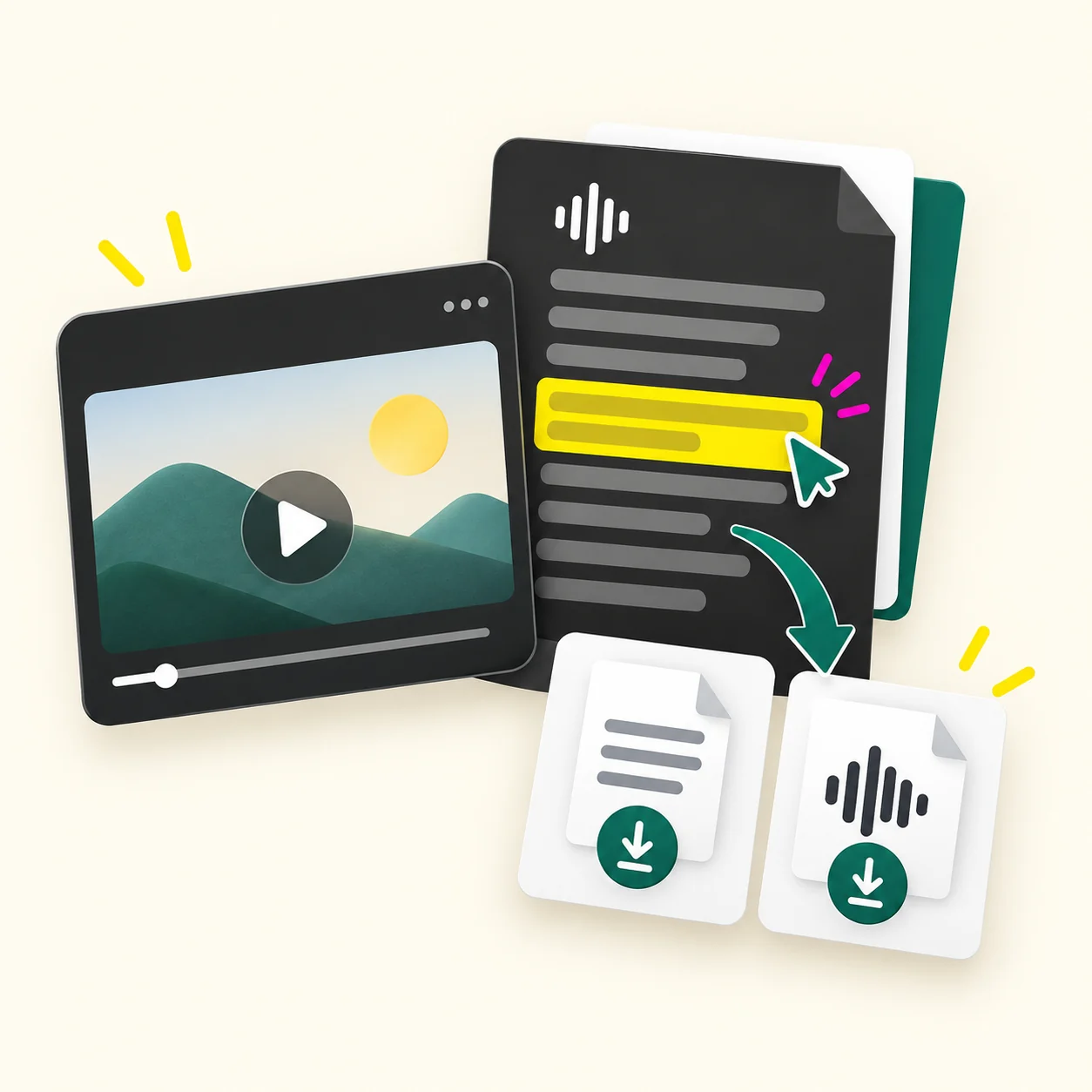
Compare names, figures, and unclear passages with the original. Copy the reviewed transcript, download TXT for a document, or download VTT for timed captions.
If a YouTube page link cannot be processed, switch to a file you are allowed to upload or a direct media URL. Repeating the same inaccessible page link will not change what it exposes.
This video to transcript process starts from the media source, not from a promise that every watch-page URL can be opened.
Try a short recording with sign-up credits, then choose a one-time pack if needed. This YouTube Transcript Generator uses credits based on media duration. New accounts get 5 free credits, followed by one-time credit packs.
$9.9
990 credits
$29.9
3,700 credits
$49.9
12,400 credits
The stated rate is 1 credit per 100 seconds. Pack names tell you how many credits you buy; they do not promise different accuracy, team seats, or export formats. Basic has the lowest upfront price. Larger packs have a lower listed cost per credit if you expect to process more media.
Estimate your video lengths before buying and check the charge in the app. The free balance is a limited way to try the workflow, not an unlimited free plan. You can make a better choice by comparing both the purchase price and the number of credits you expect to use.
Know which sources work, what you can download, and what to check in the text. These answers cover the choices people make before turning a video into text. Your source matters, and so does what you plan to do with the result.
Upload a video or audio file you are permitted to process after signing in. You can also try a reachable HTTPS media URL. This YouTube Transcript Generator does not guarantee that a normal YouTube watch page will work as an input. After processing, compare the text with the original recording and copy it or download TXT or VTT. If the video already has captions and you only need to read them, check YouTube's own transcript option first.
No. Paste Link is for an accessible HTTPS audio or video URL. A watch page, private video, restricted stream, or page requiring a login may not provide media this service can read. A web address can be valid while the underlying audio or video is unavailable. If the link fails, upload a file you are allowed to process. A failed page link does not show whether the video has speech or captions.
New users receive 5 free credits after sign-up. The stated usage rate is 1 credit per 100 seconds of media. You can use the initial balance to test whether the input and output workflow fits your needs. More use requires a credit pack; Basic is $9.90 for 990 credits. Check the charge shown for your specific duration, especially if it does not fit an exact 100-second unit.
Once the transcript appears in the workspace, select Copy text and paste it into Word. You can also download a TXT file and open or import it in a document editor. Check names and punctuation against the video before sharing the document. For an exact quotation, listen to the passage again and preserve the source link or file reference. A copied transcript is a working record, not a verified quotation by itself.
The workspace offers a VTT download alongside plain TXT. VTT is a timed caption format, useful when your editor or player accepts it. The text view and TXT file suit reading and note-taking. Before publishing captions, inspect the VTT in the tool where it will appear and compare its timing with the video. The current interface does not offer SRT, so this page should not promise an SRT file.
You may still be able to transcribe an authorized audio or video file because this workflow starts from media rather than copying visible captions from a watch page. That does not mean every YouTube URL without captions will work. Provide a supported file or reachable HTTPS media source and check whether the task completes. Review the result carefully when speech is quiet or mixed with music. A speech transcript does not describe everything shown on screen.
No. A transcript records spoken words; a summary selects key points. Subtitles associate words with moments in a video. This YouTube Transcript Generator provides readable text and a VTT download, but you still need to check wording and timing before using captions in a finished video. If you want an article or concise summary, use the reviewed transcript as source material and edit it for that separate purpose.
Upload an authorized recording and turn its spoken words into a working text file. Use the YouTube Transcript Generator with a file you control. Check the result, then copy it or download TXT or VTT for your next step.
New accounts get 5 free credits after sign-up. If you only have a YouTube watch page, obtain an authorized media file before starting.