TikTok Transcript
Loading

Facebook Transcript Generator

Turn a saved Facebook recording or direct media URL into text. Review your Facebook transcript, then copy or download it.

Sign in to start. New accounts get 5 free credits. Transcription uses 1 credit per 100 seconds.

Paste a link

Paste a public video link from one of these platforms or a direct HTTPS media URL.

  • TikTok
  • YouTube
  • Facebook
  • Instagram

Some private or restricted videos may still require a file upload.

Duration is read from the video. 1 credit per 100 seconds.

Upload a saved Facebook recording or try a direct HTTPS media URL you are allowed to process. Facebook post and Reel share links are not guaranteed inputs.

What is a Facebook transcript?

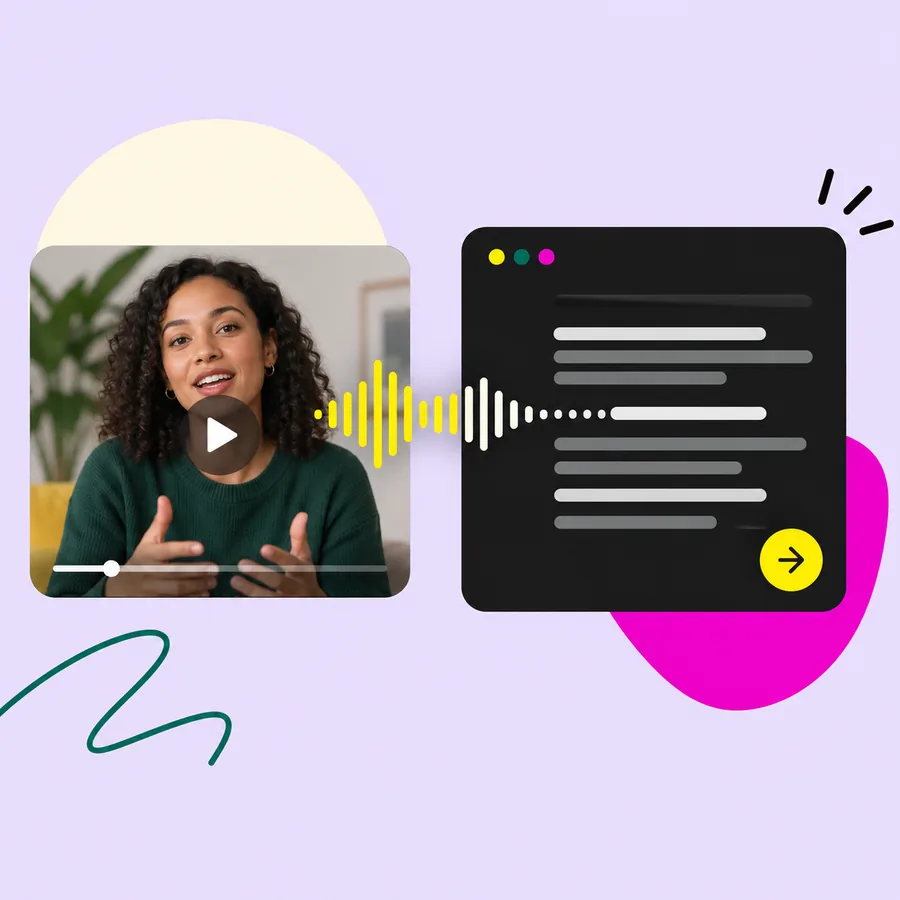
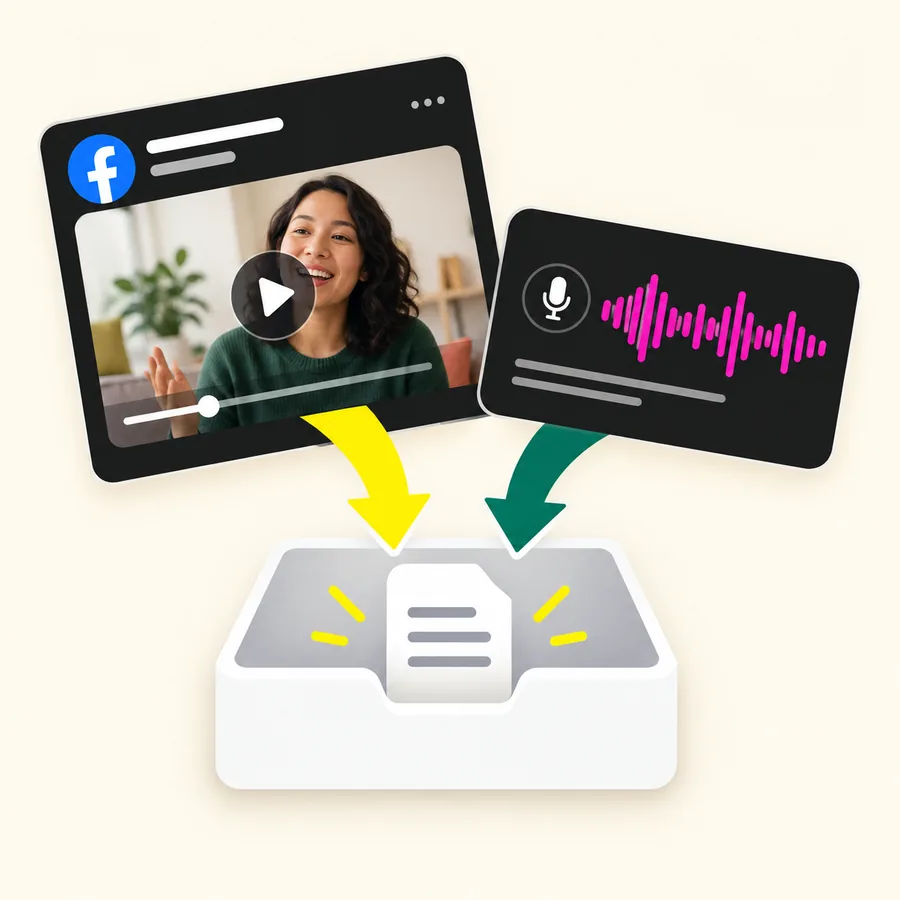
A transcript puts the spoken words from a video into a readable text document. A Facebook transcript is a written version of speech in a Facebook video. It can help you revisit a recorded explanation, find a quote, or prepare text for another format.

A Facebook video transcript follows what was said. A summary selects the main points. Captions add timing so words can appear alongside playback.

Use your Facebook transcript with the original recording when context matters. Speech transcription does not replace a description of charts, gestures, or text shown only on screen.

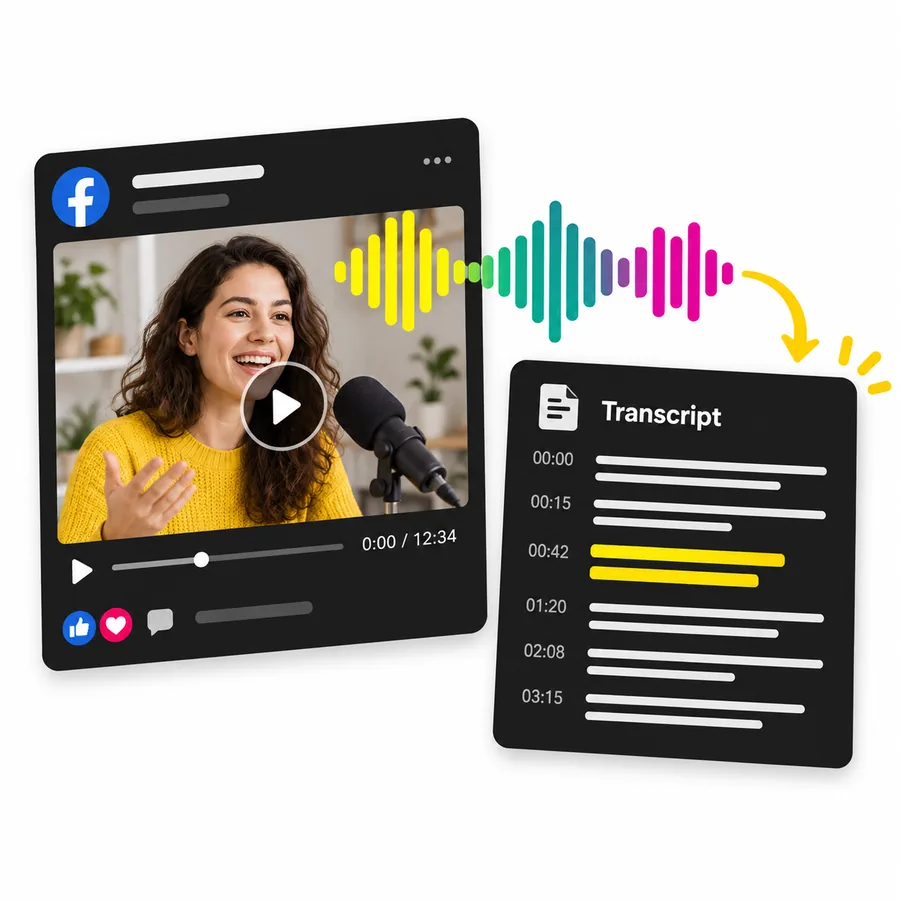
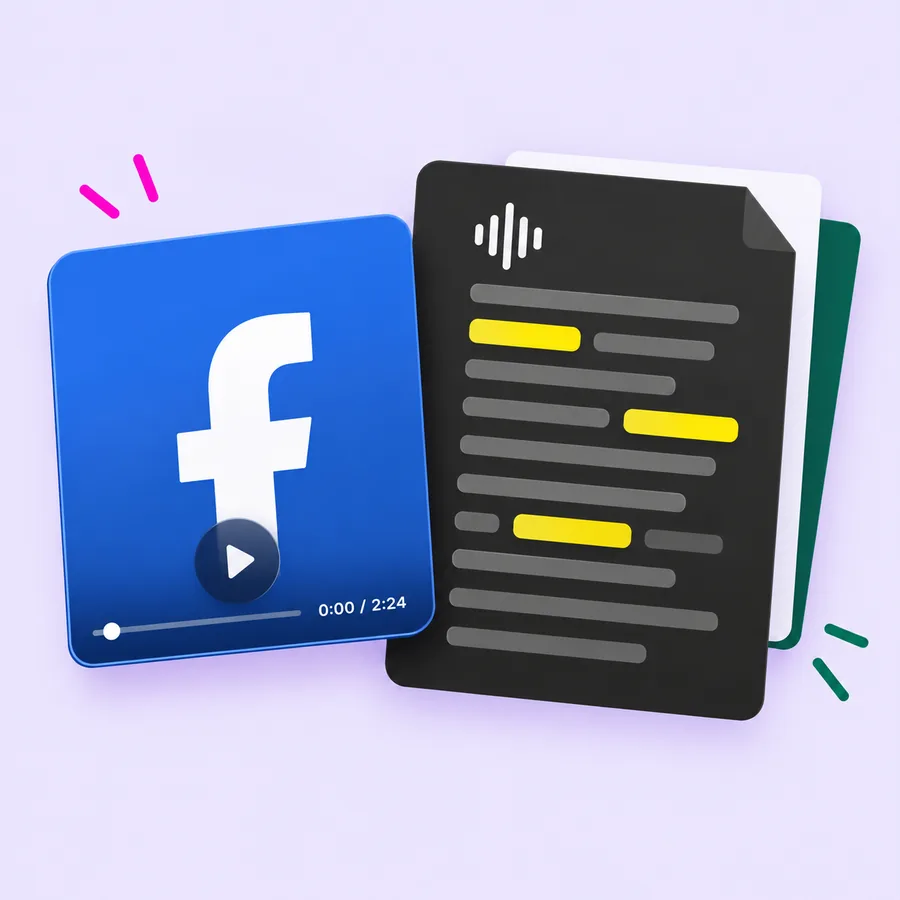
Facebook video beside a spoken-word transcript

From Facebook video to text you can use

Upload a recording, review the returned text, and choose how to take it into your next task. Keep your Facebook transcript close to the work you need to do. The tool gives you readable text and export controls, so you can move from listening to reviewing.

Start with a saved recording

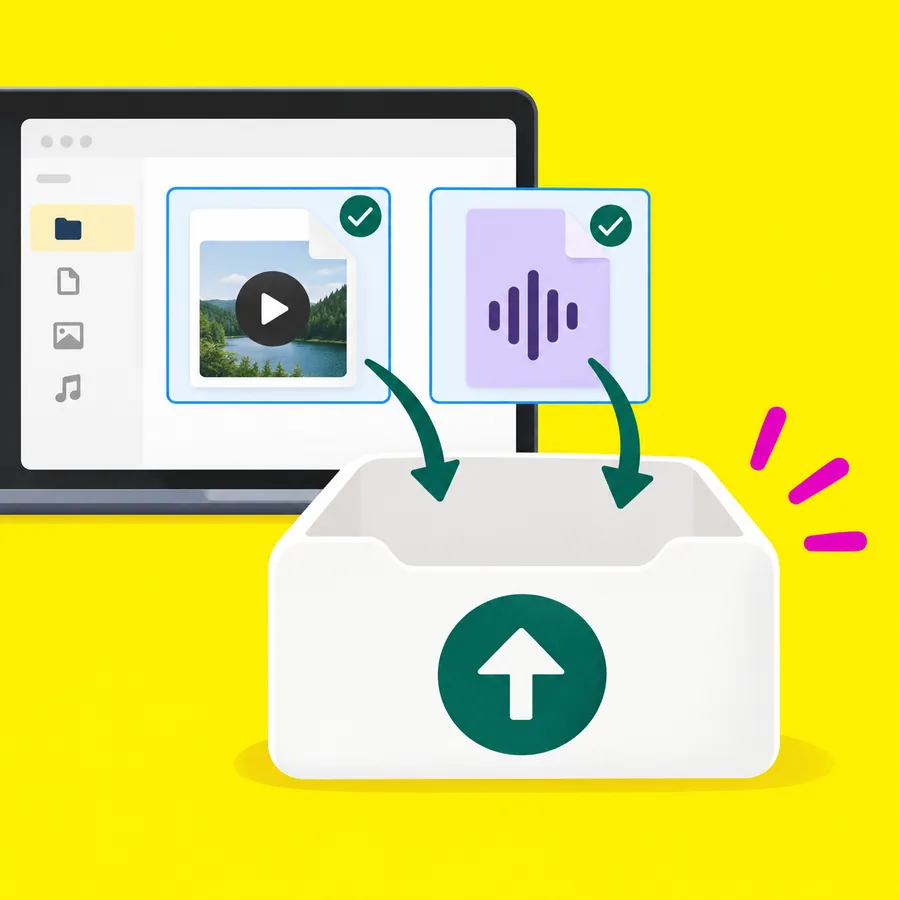
Upload a video or audio file from your device. The file picker accepts MP4, MOV, WebM, MKV, AVI, MP3, WAV, M4A, OGG, FLAC, and AAC. Your browser must be able to read the file duration before submission. If a recording does not load, try another supported version of the source file. Paste Link also accepts a direct HTTPS media URL you can access; a Facebook post page is not a guaranteed media source.
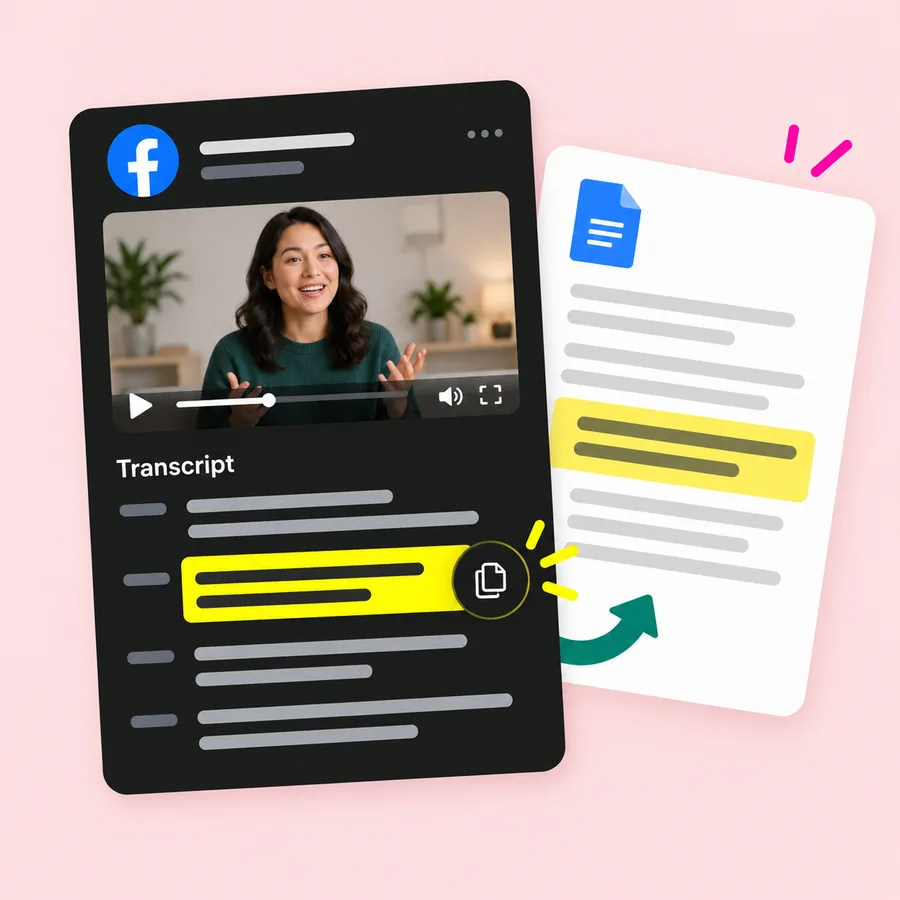
Copy your Facebook transcript

Use Copy text to move the result into your document or notes app. Keep the wording as a reference, then make your own edits in that document. You can separate direct quotes from your commentary before sharing the finished piece with someone else.

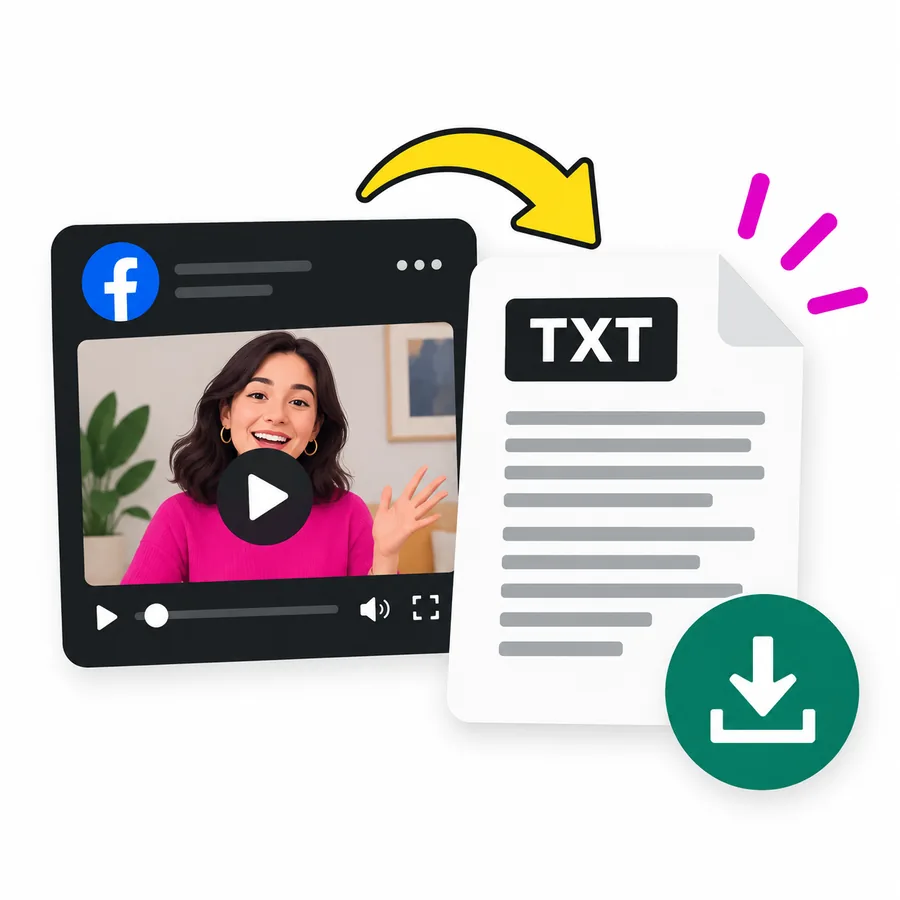
Download your Facebook transcript as plain text

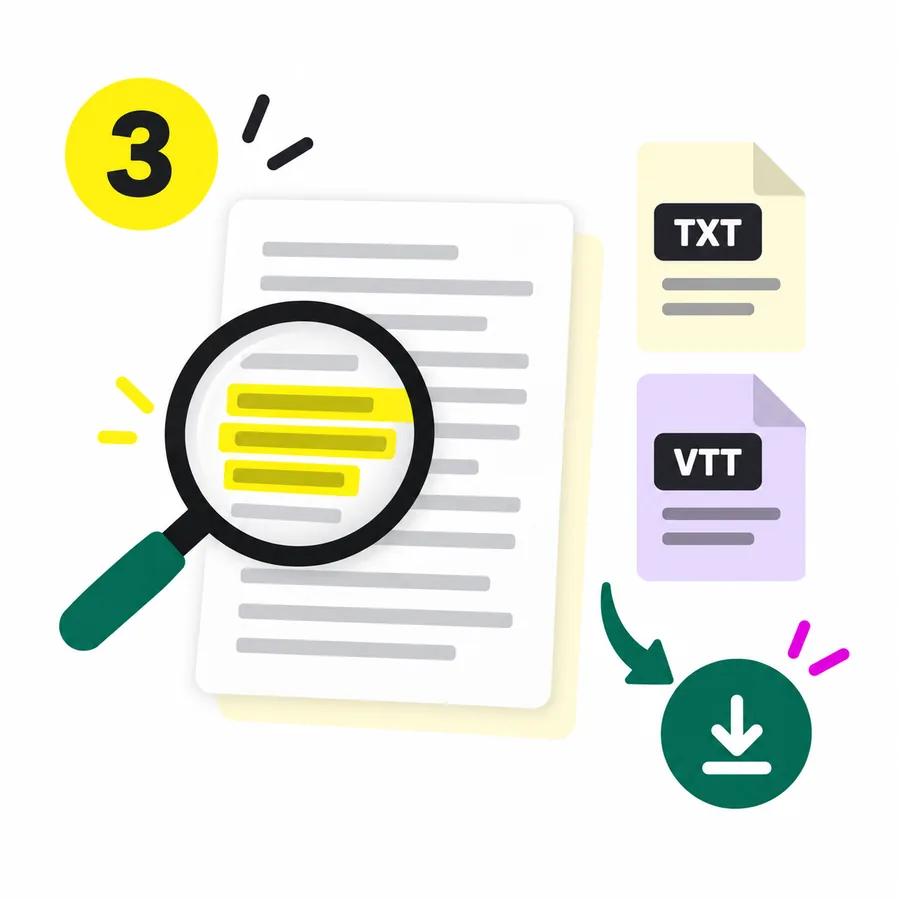
Choose Download TXT for a Facebook transcript you can keep with your source material. Plain text works well for reading and editing outside the tool. Give the saved file a descriptive name so you can match it to the right recording later.

Export Facebook transcript timing when it is available

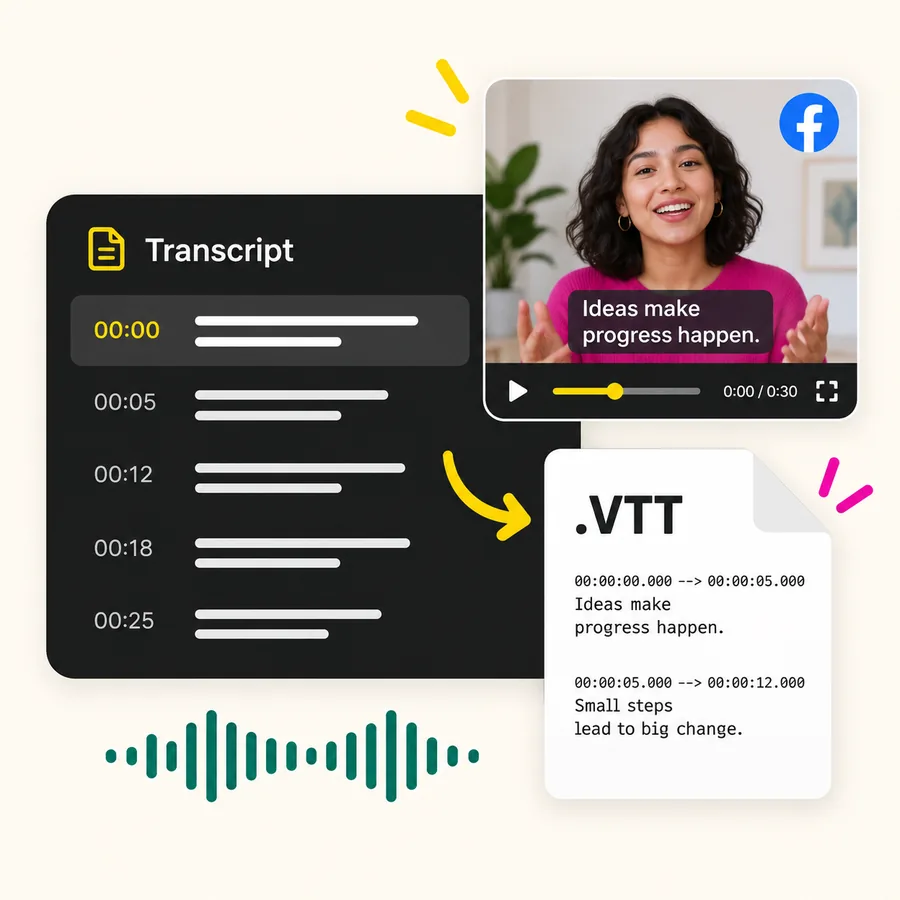
Choose Download VTT when the transcription response includes word timing. Check the file against your video before using it for captions. If timing data is missing, use the TXT output; a VTT download alone does not guarantee usable timed captions.

Review your Facebook transcript in context

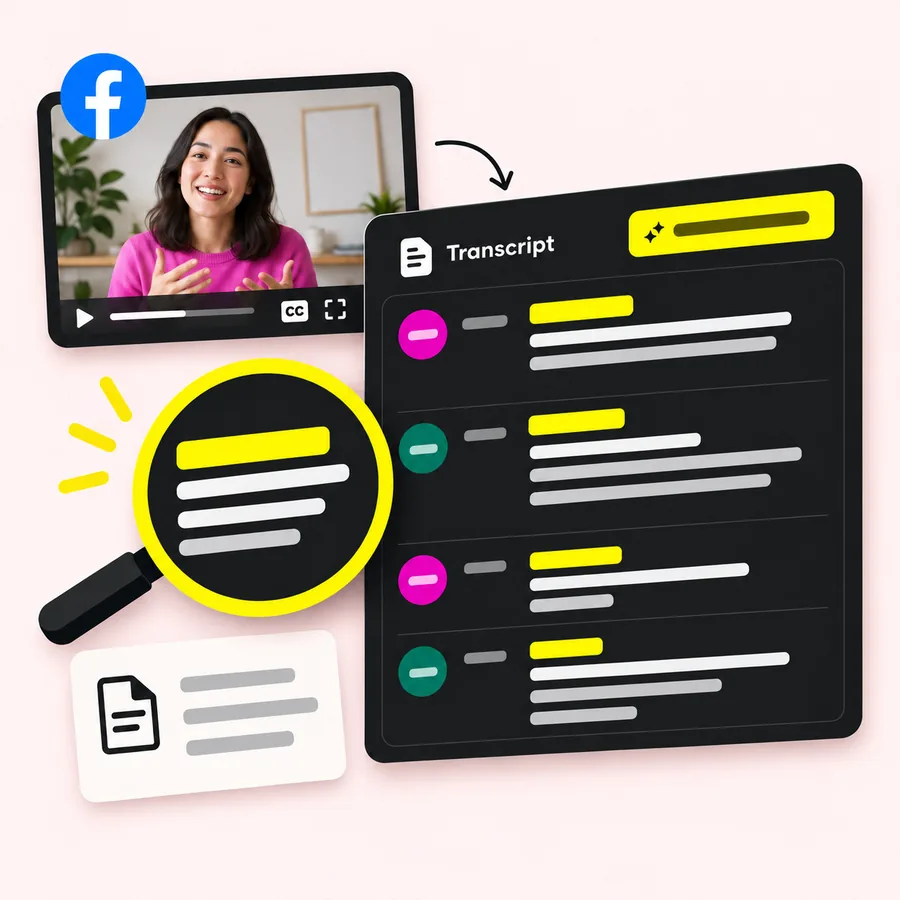
The result view can show timed segments and speaker labels when the response supplies them. Use those details to check a Facebook transcript against the recording. Speaker labels are not a guarantee that the tool has identified a person's real name.

Work from the audio

This Facebook transcriber submits media for speech transcription. You do not need to supply a separate caption file. Use an audible recording and review the returned wording before quoting it. No fixed accuracy percentage or processing time is promised.

What can you make with a Facebook transcript?

Use the returned text as source material for documents, caption work, and content you write yourself. Your Facebook transcript is the starting material. Copy or export it, then decide what to keep, explain, or rewrite. These are ways to use the text, rather than automatic writing features.

01

A readable record

Save a TXT file with the video title, date, and source link in your own folder. A Facebook transcript gives you a text reference to revisit alongside the recording. Keep enough context to understand who was speaking and what they were responding to.

02

Quotes for your next draft

Find a useful passage and check it against the audio. Copy the verified wording into a newsletter, article, or social post you are preparing. Add your own explanation around the quote instead of treating the raw transcript as a finished article.

03

A caption starting point

Where word timing is available, export VTT and check the cues in your caption workflow. Review names, line breaks, and timing before publication. The Facebook transcript download provides text and available timing; it does not publish captions to your Facebook account.

04

Notes from a recorded session

Read the Facebook transcript while you prepare your own outline. Mark useful questions, answers, and follow-up ideas in your document. The transcription tool provides the speech text; you decide which points belong in the final notes.

A Facebook transcript for the work after recording

For creators, marketers, educators, and researchers who need to review spoken content in writing. Choose this Facebook transcript generator when you already have a recording and want to work with its words. The same upload and export flow supports different kinds of follow-up work.

Creator reviewing a recorded lesson

Creators revisiting a Reel

Upload your saved clip and read the opening lines in text. Use the Facebook transcript to review your hook, remove repetition in your next script, or collect a passage for a follow-up post. You keep control of what changes between the original recording and the new draft.

Marketers reviewing a video

Bring a recording you are allowed to use and convert its speech into text. Copy relevant lines into a campaign document, then add your observations separately. A Facebook transcript can serve as source material for reviewing wording without implying that the tool evaluates campaign performance.

Educators preparing session notes

Upload a saved lesson or Live recording. Read the text while you prepare a handout, and check technical terms against the audio. Keep a Facebook transcript with your lesson materials so you can revisit the original explanation when you update the notes.

Researchers checking a quotation

Keep the source recording available and verify the wording you intend to cite. Export the text for your own notes, recording the original source and date separately. Automated transcription is a draft to check, especially where names or numbers matter.

How to get a Facebook video transcript

Start with your own video or audio file, then review the result before copying or exporting it. You can create a Facebook transcript from a saved recording without preparing a caption file first. Choose a supported file with audible speech and keep the original available for review.

  1. Choose your Facebook transcript source

    Find the recording on your device and select File Upload. For Facebook Reels, use the saved video file. You can also try Paste Link with a direct HTTPS audio or video URL the service can reach. A Facebook post or Reel share page is not a guaranteed input. For a Live session, use a recording after the broadcast has ended; the tool does not join or capture a live broadcast.

  2. Submit your Facebook transcript task

    Sign in to your TikTok Transcript account. For file input, the tool reads the media duration and uploads the file; for link input, it submits the reachable media URL. Keep your account balance in mind: the published rate is 1 credit per 100 seconds of media. A Facebook post URL is not a substitute for a direct media source.

  3. Review and save your Facebook transcript

    When processing finishes, read the result and compare important passages with the recording. Check names, numbers, and unfamiliar terms. If the task takes longer than expected and the tool offers Check task again, use that control to retrieve the existing task rather than starting another transcription. Copy the Facebook transcript into your document, or download TXT to save it. Choose VTT when timing data is present and you need a caption file to review. Keep the original recording with your exported text so you can check the wording again later.

Facebook transcript pricing

Start with the new-account credits, then choose a one-time credit pack when you need more transcription. New TikTok Transcript accounts receive 5 free credits. Your Facebook transcript uses the same published transcription rate: 1 credit per 100 seconds of media. Paid packs are one-time purchases.

Basic

$9.9

990 credits

  • 990 credits
  • $0.01000 per credit
  • 1 credit per 100 seconds
  • One-time purchase
  • Smallest upfront purchase
Recommended

PRO

$29.9

3,700 credits

  • 3,700 credits
  • About $0.00808 per credit
  • 1 credit per 100 seconds
  • One-time purchase
  • Lower price per credit than Basic

Business

$49.9

12,400 credits

  • 12,400 credits
  • About $0.00402 per credit
  • 1 credit per 100 seconds
  • One-time purchase
  • Lowest price per credit

Basic: $9.90 for 990 credits

Choose the smallest available purchase when you want a lower upfront cost. Use the credits for transcription according to the duration of the recordings you submit.

PRO: $29.90 for 3,700 credits

Choose a larger balance if you expect to transcribe more recordings. Compare the included credits with your planned workload before buying.

Business: $49.90 for 12,400 credits

This pack has the lowest price per credit among the three listed packs. It also requires the largest upfront payment.

For an exactly 300-second recording, the stated rate corresponds to 3 credits. That example does not establish how partial billing units are rounded. The free starting balance is limited; it is not an unlimited Facebook transcript plan.

Facebook transcript questions, answered

Check the input, account, and export requirements before you start a transcription. Use these answers to choose the right source and output for your Facebook transcript. The upload workflow is designed around a recording you already have and text you can review.

Can I get a transcript of a Facebook video?

Yes, you can submit a supported video or audio file to generate speech text. For this workflow, start with a recording you own or have permission to use, then review the result.

Can I paste a Facebook video link?

To create a Facebook transcript, use File Upload for a saved recording, or try Paste Link with a direct HTTPS audio or video URL the service can reach. Direct processing of Facebook post, Reel, and fb.watch share pages has not been verified here, so a share link alone is not a promised input.

Is this Facebook transcript generator free?

New accounts get 5 free credits after signing up. Transcription uses credits, and paid one-time packs are available when you need more. The starting balance is not an unlimited free service.

Can I get a Facebook transcript without login?

You need to sign in to TikTok Transcript before submitting a transcription task. This workflow does not ask you to connect your Facebook account; you can start with a file on your device or a direct HTTPS media URL.

How does Facebook transcript copy work?

Select Copy text after the result is ready, then paste it into your document. You can also download TXT. Make corrections in your document after checking the wording against the recording.

Can I transcribe Reels and Facebook Live recordings?

Use a saved Reel or Live recording in a supported file format. Paste Link is for a reachable direct media URL, not a way to capture an ongoing broadcast or access private Facebook posts.

Does the video need existing captions?

No separate caption file is required for the upload workflow. The service processes the media for speech transcription. Check the result against the audio, especially when voices overlap or words are unclear.

Can I download my Facebook transcript as SRT?

The current export controls provide TXT and VTT, not SRT. Timed VTT cues depend on the timing data returned with the transcript. Use TXT if there is no usable timing data.

Create your Facebook transcript

Upload a saved recording and take the spoken words into your next document. Start with a video you have permission to use. Generate your Facebook transcript, check the wording, and copy or download the text when you are ready to work with it.

Sign in to begin. New accounts get 5 free credits. Keep the original recording nearby so you can review names, numbers, and quotes before sharing.